

Nano Banana 2 Lite
Gemini 3.1 Flash-Lite Image · June 2026
Built for speed. Google tuned it for near-real-time, high-volume work where low latency and cost matter most: drafts, variations, quick edits. 1K output.
Nano Banana 2 Lite is Google's fastest, lowest-cost Nano Banana image model. Write a prompt for quick drafts, ad variants and social graphics, or upload up to 14 photos and describe the edit. Every image on this page is made with the Lite model.
Model facts · Updated November 17, 2026
Google calls it its fastest, lowest-cost Gemini image model. Released on June 30, 2026, it trades top resolution for speed: 1K images in about four seconds in Google's API, with text to image, edits and multi-image composition in one model.
From Google's June 30, 2026 announcement and the Google DeepMind model page. The last row is this site.
| Official name | Nano Banana 2 Lite, also called Gemini 3.1 Flash-Lite Image and often searched as Nano Banana Lite |
|---|---|
| Released | June 30, 2026, by Google |
| API model ID | gemini-3.1-flash-lite-image |
| What it does | Text to image, prompt-guided edits, multi-image composition, consistent characters and legible text in images |
| Output | 1K images (no 2K or 4K) |
| Speed | About 4 seconds per 1K image (Google's figure) |
| Google API price | From $0.034 per 1K image |
| Free option | Flash-Lite mode in Google's Gemini app |
| Watermark | Google's invisible SynthID watermark on every image |
| On this site | 10 credits per image, 14 aspect ratios, up to 14 reference images per edit; about 15 to 50 seconds per image in our tests |
Google's own positioning for the three tiers. Lite is the one this site runs; pick a larger model when resolution or fine detail matters more than speed.
Gemini 3.1 Flash-Lite Image · June 2026
Built for speed. Google tuned it for near-real-time, high-volume work where low latency and cost matter most: drafts, variations, quick edits. 1K output.
Gemini 3.1 Flash Image · 2.1 since October 2026
The generalist: higher quality at low latency, with output from 1K to 4K. Google updated it to Nano Banana 2.1 in October 2026 and deprecated the original Nano Banana 2.
Gemini 3 Pro Image
For complex professional work, with the most control and reasoning. Google recommends it when accuracy matters more than speed.
Every image here was made on this site with the Lite model. Tap one to load its prompt into the generator, then make it your own.
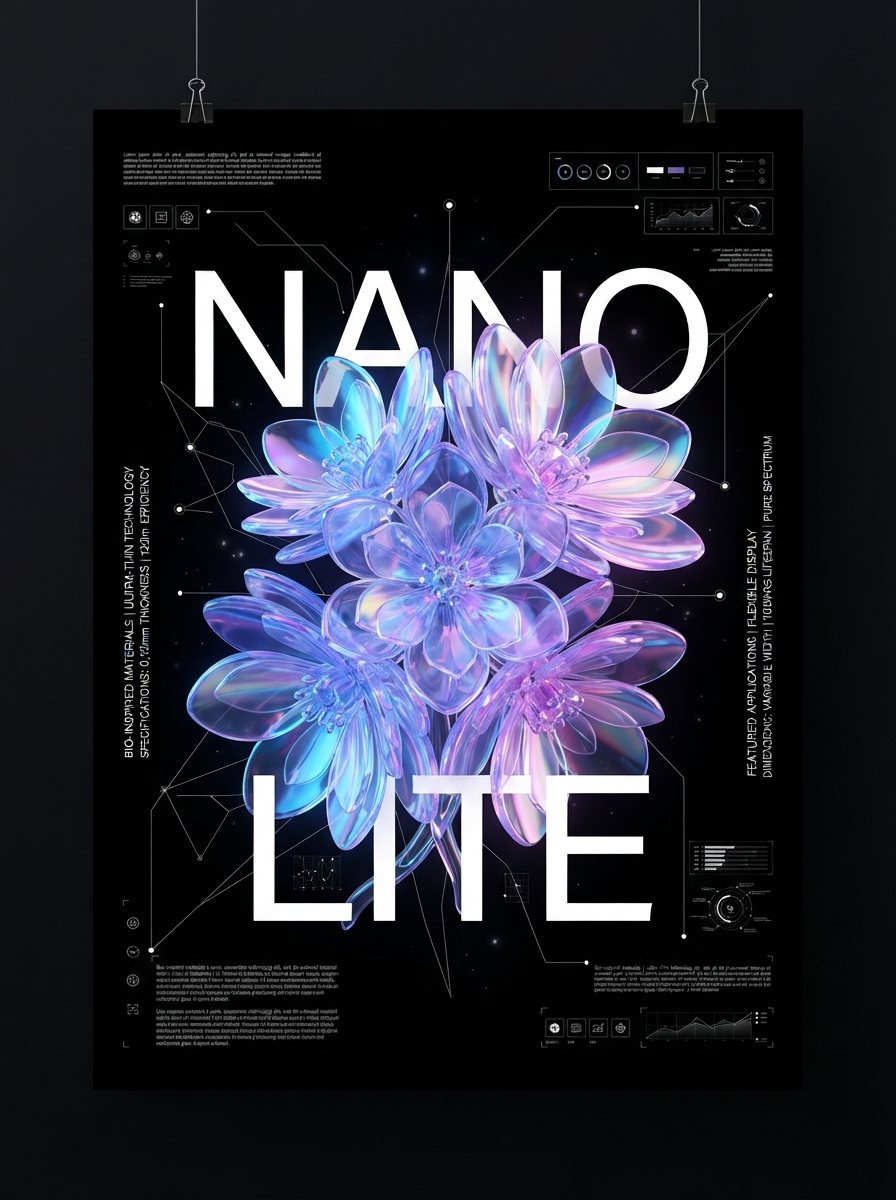
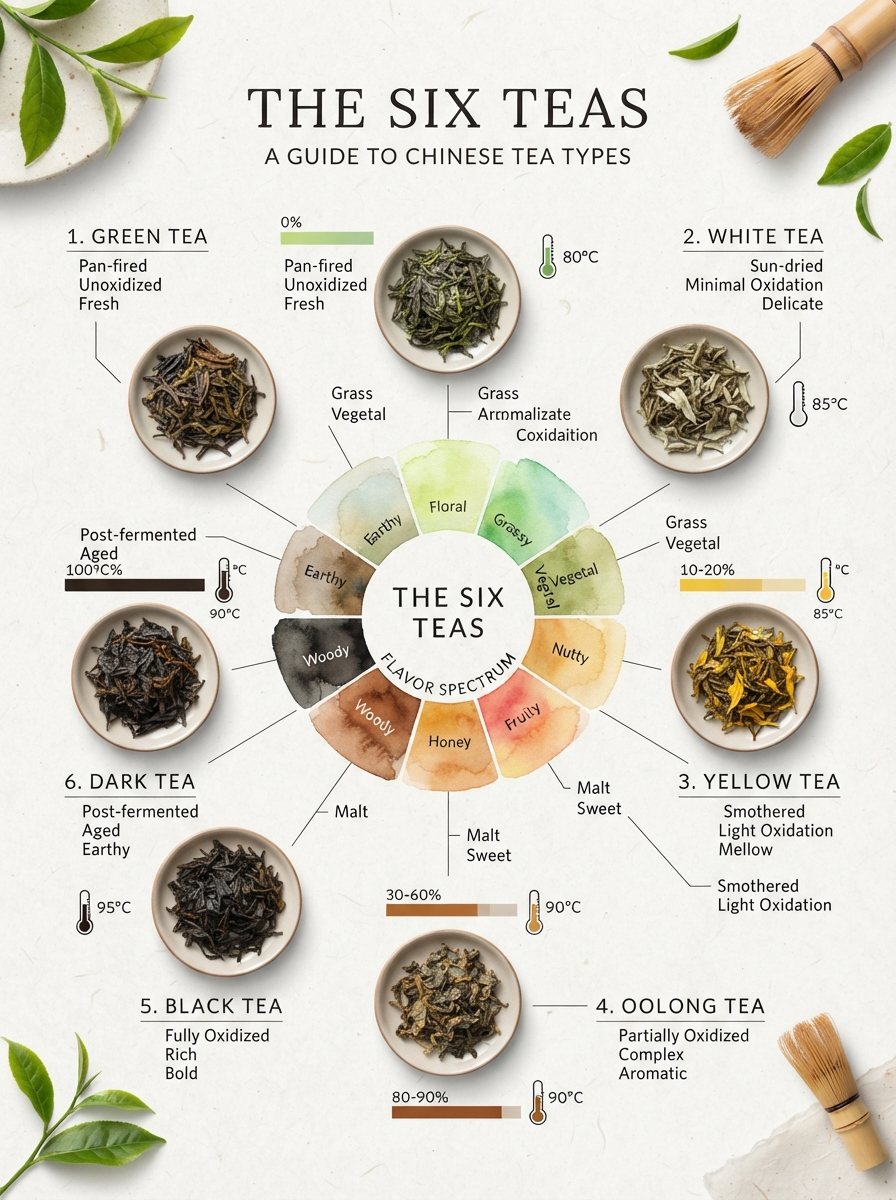
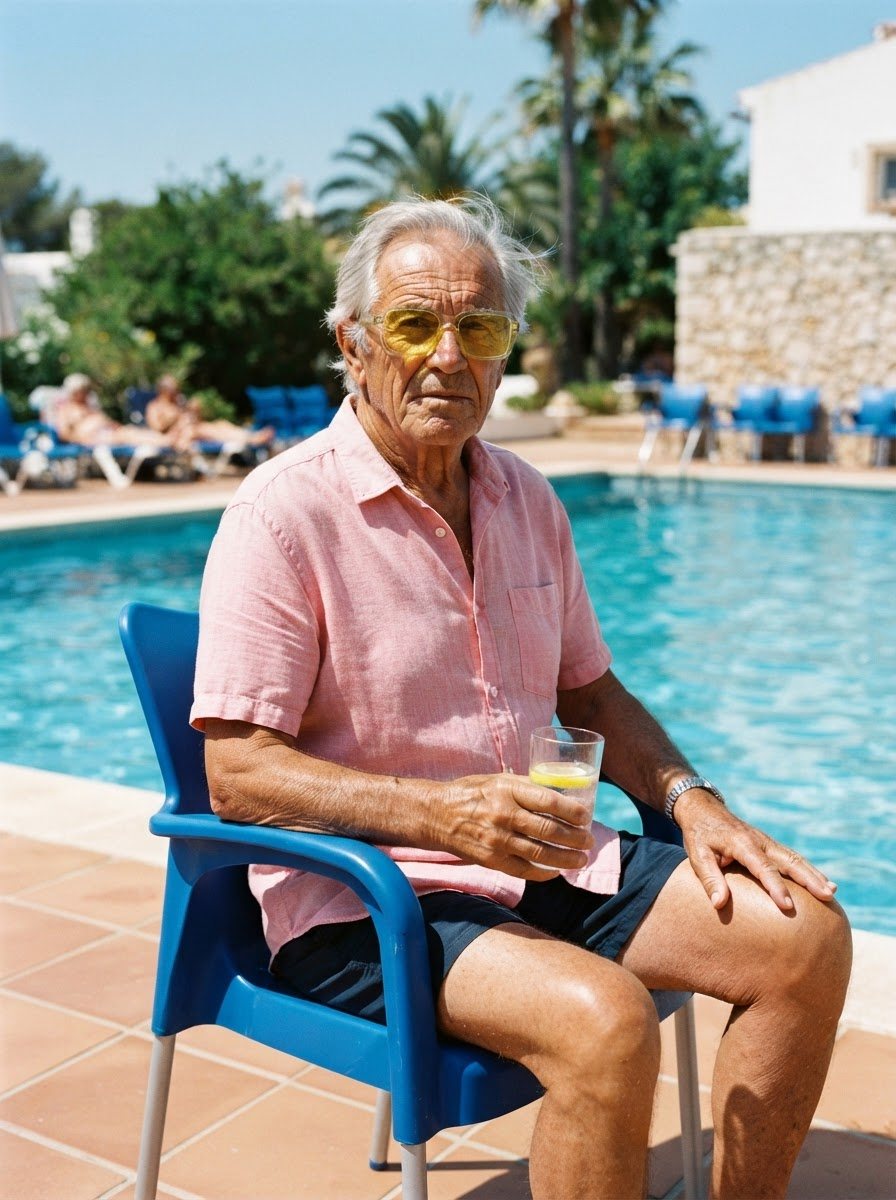
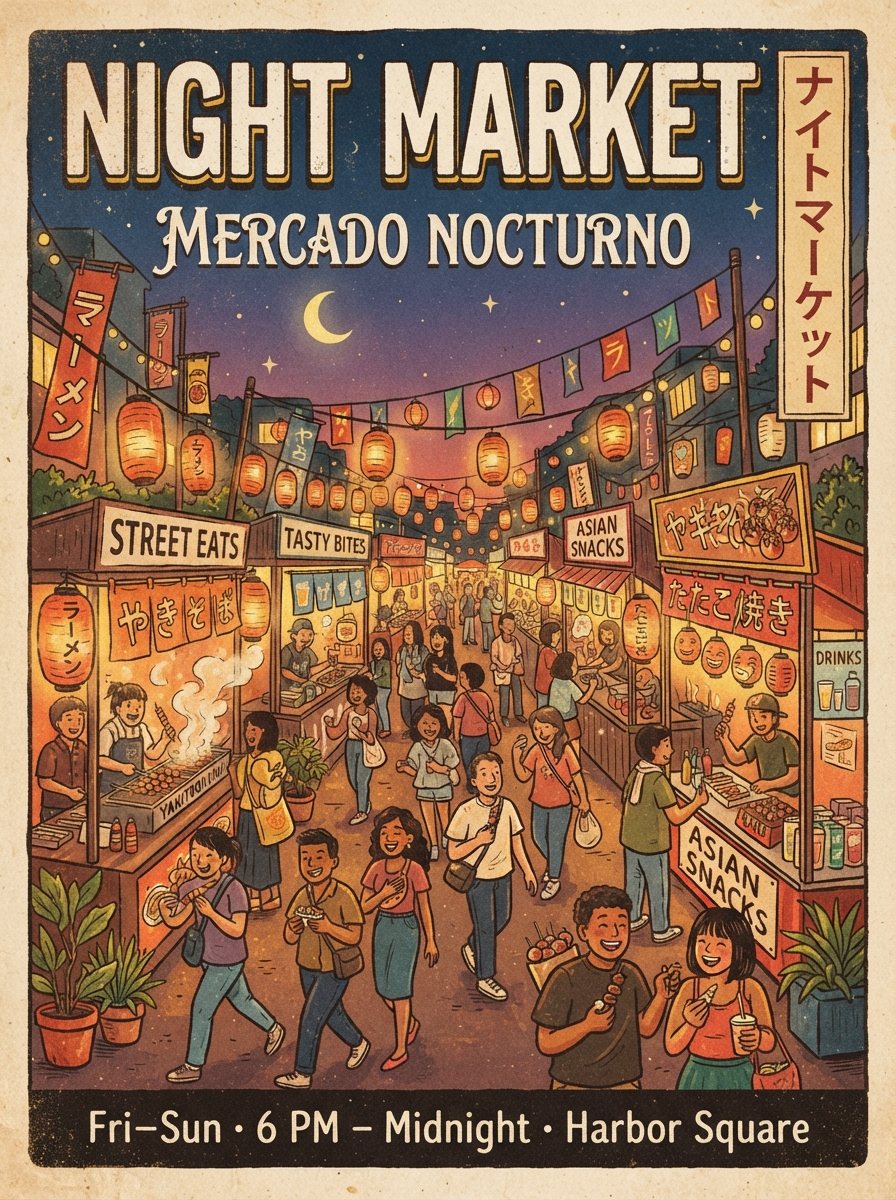
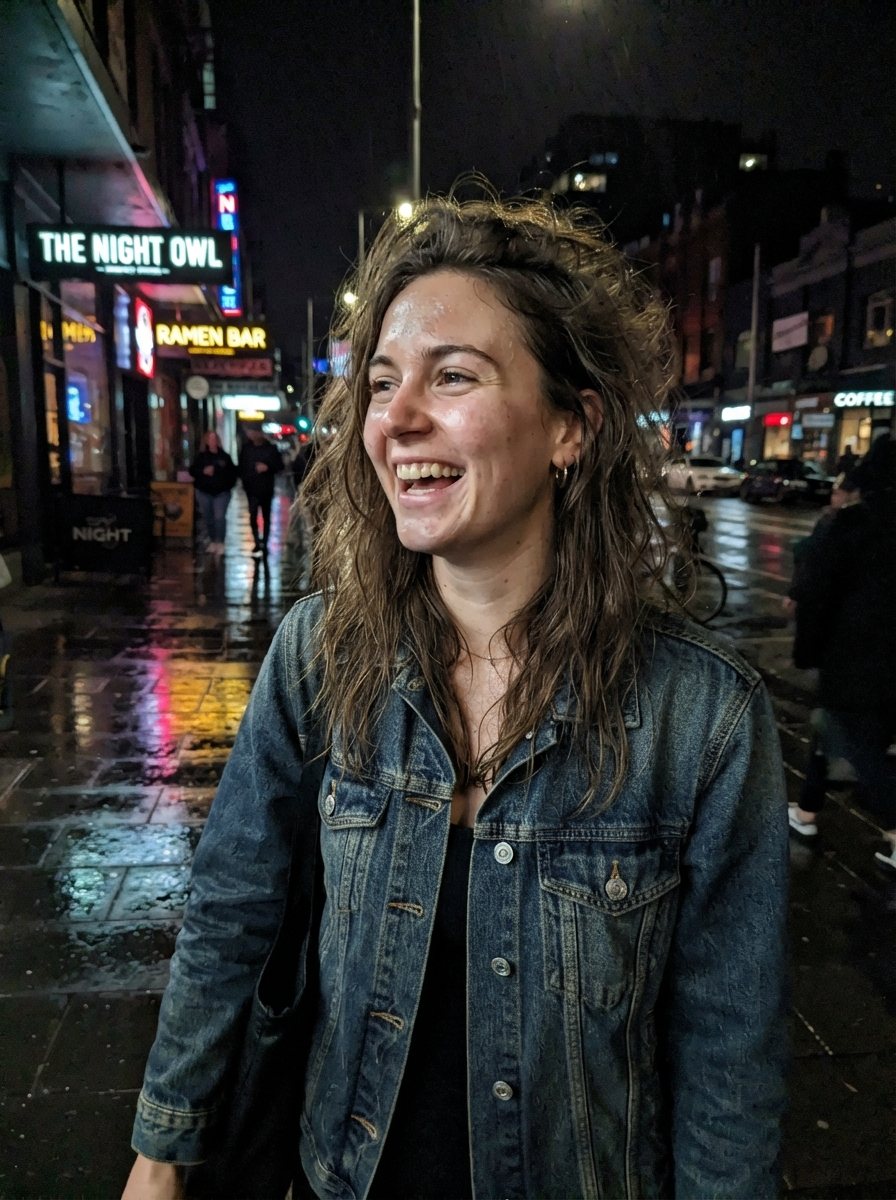
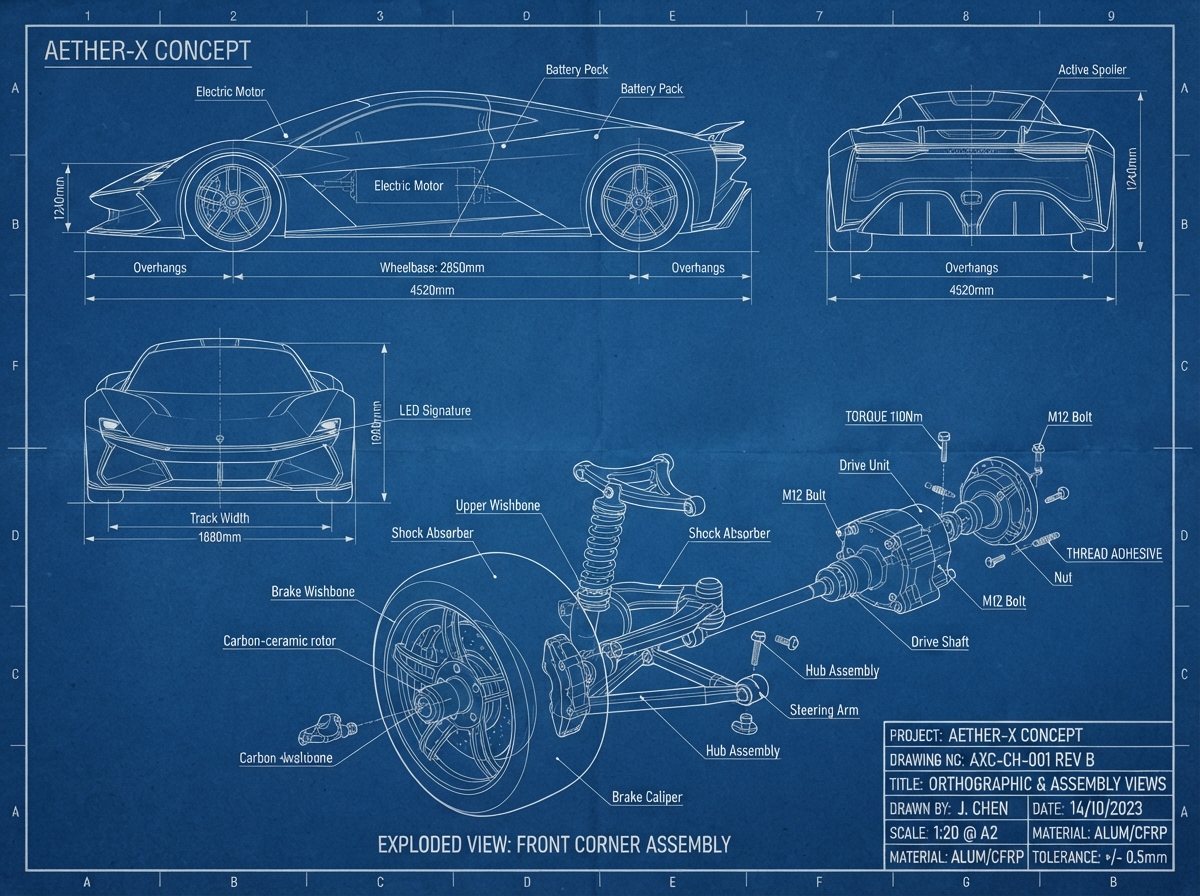
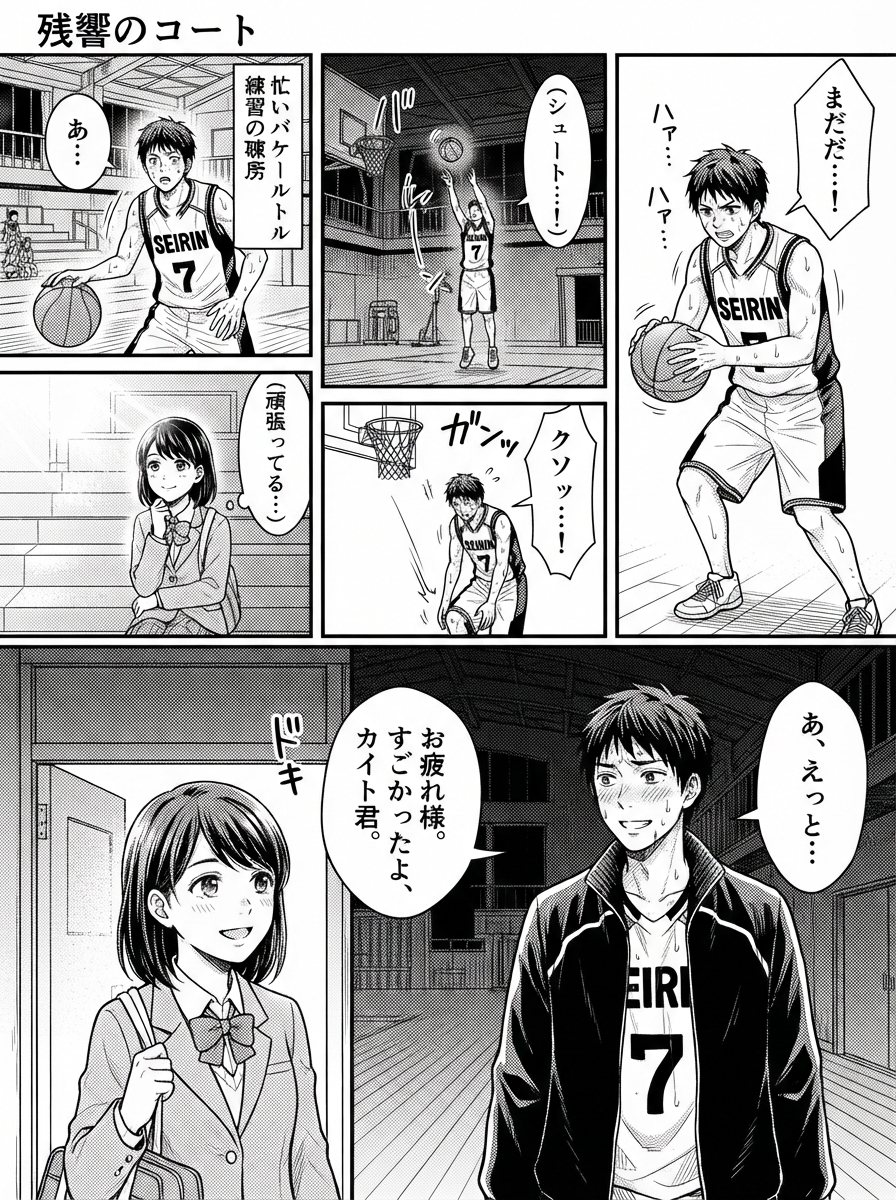
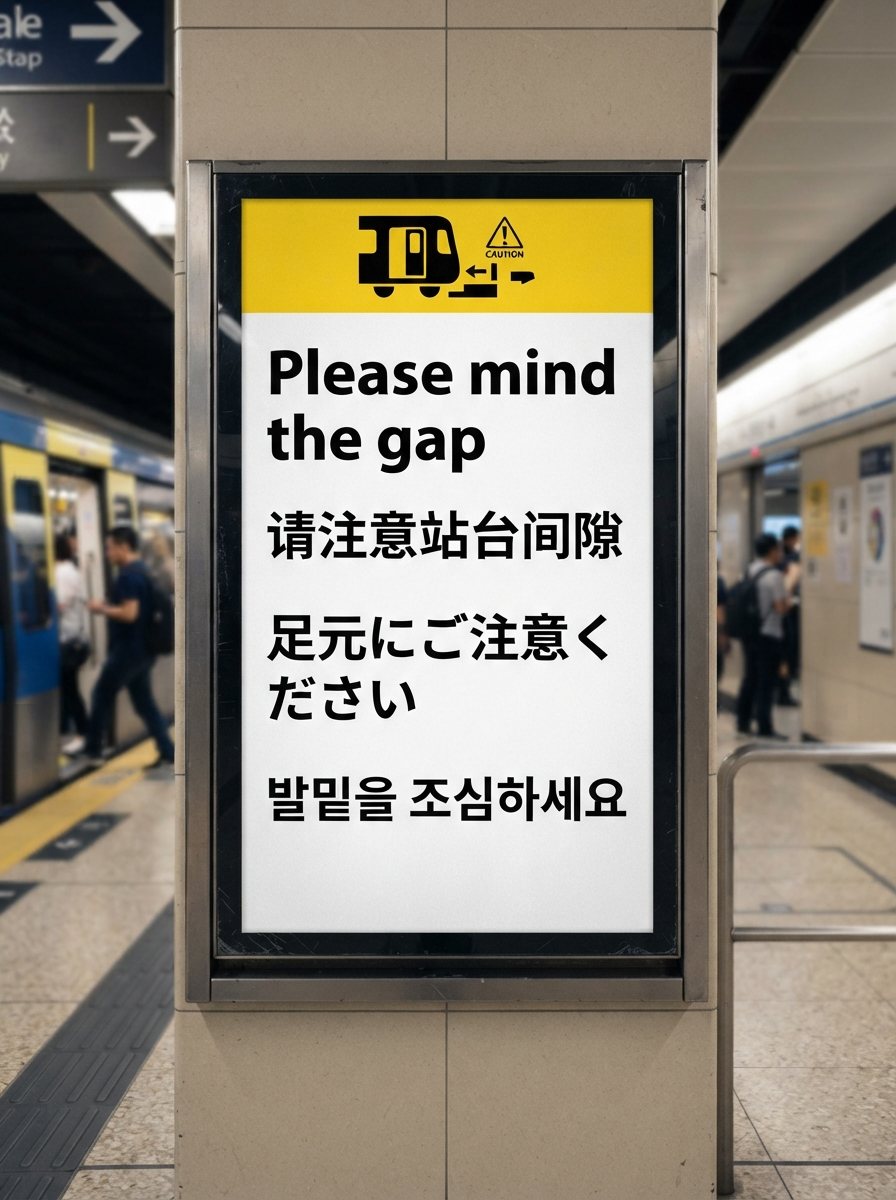
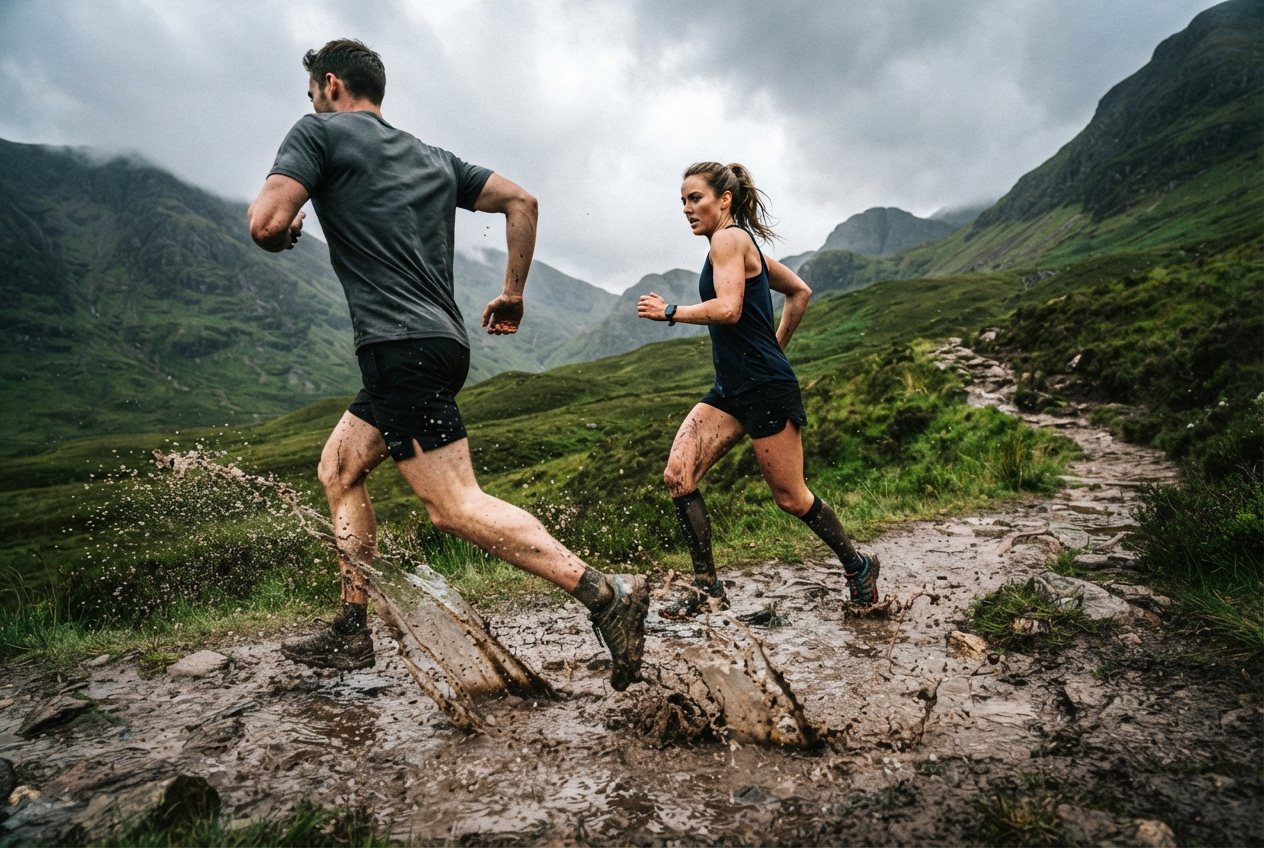
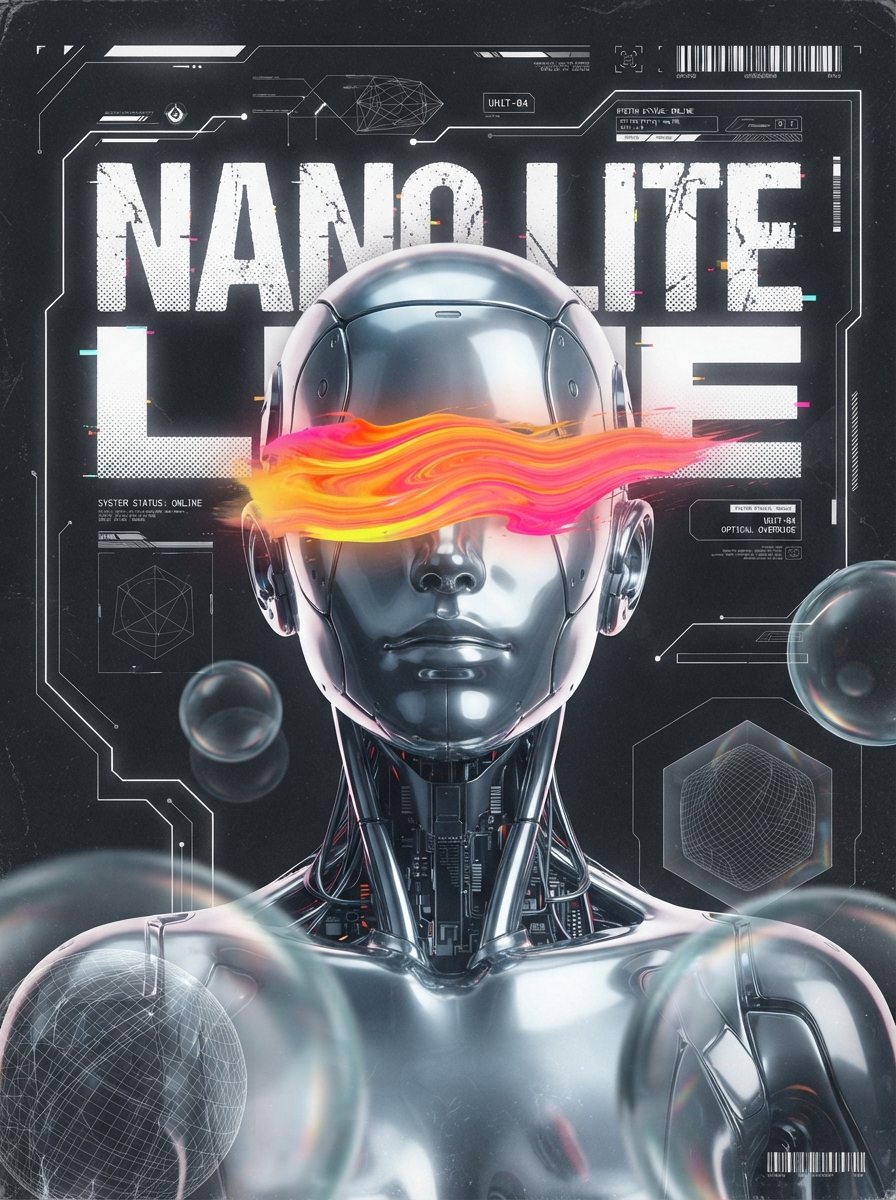
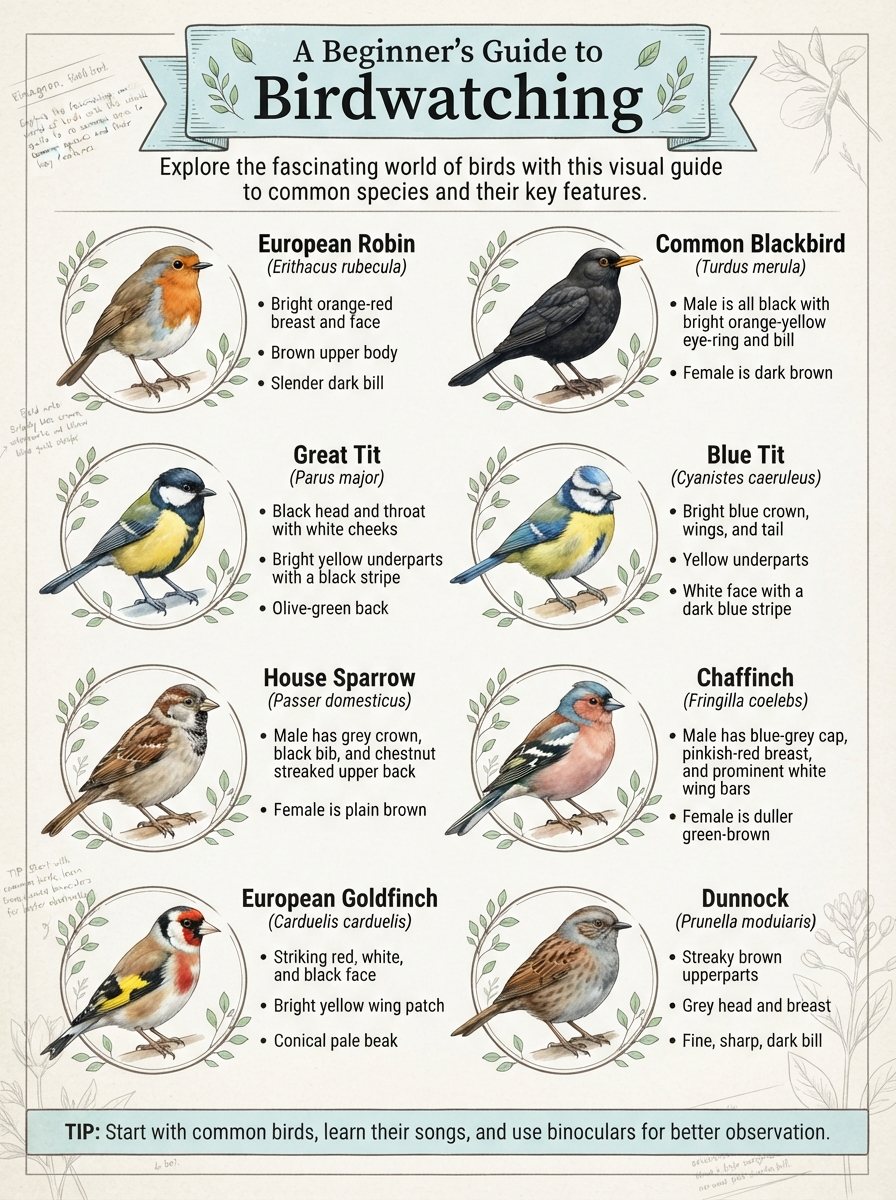
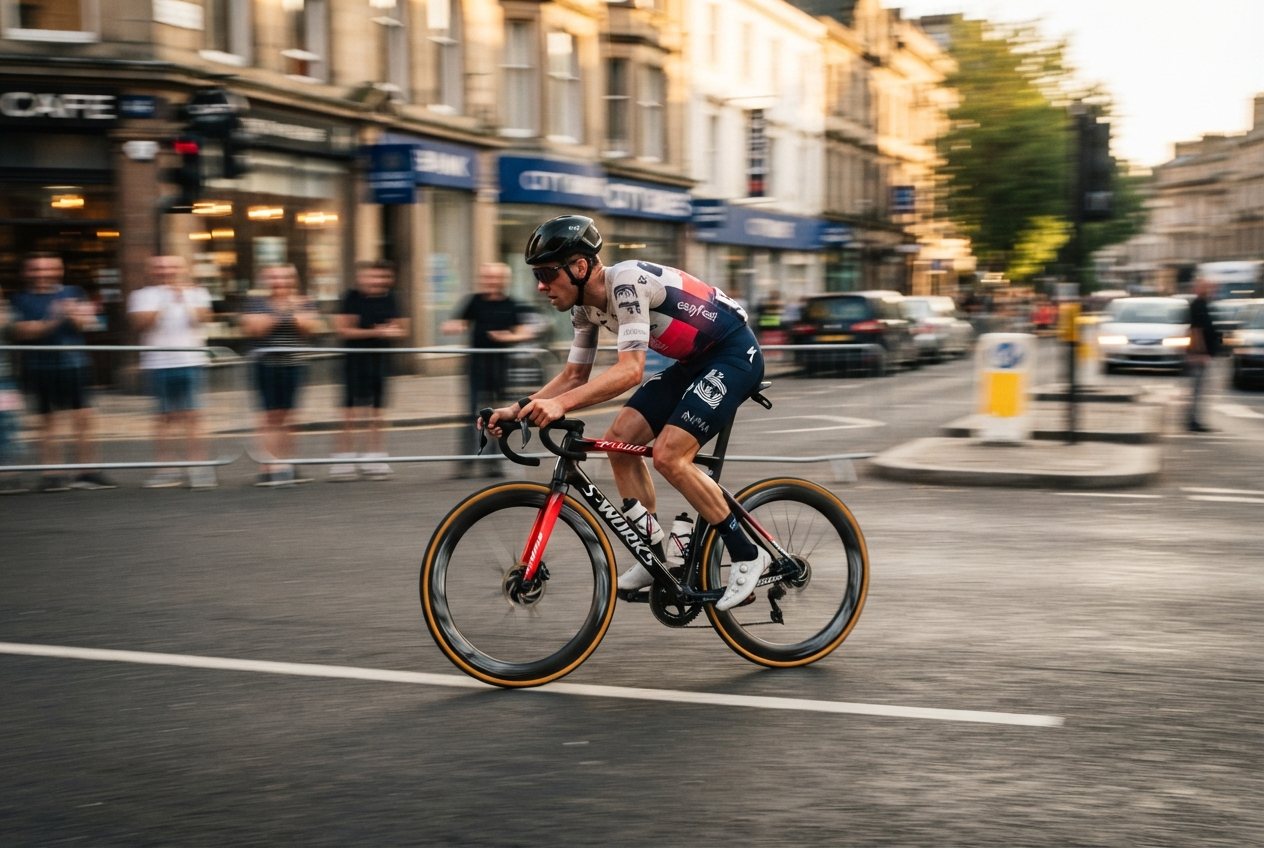
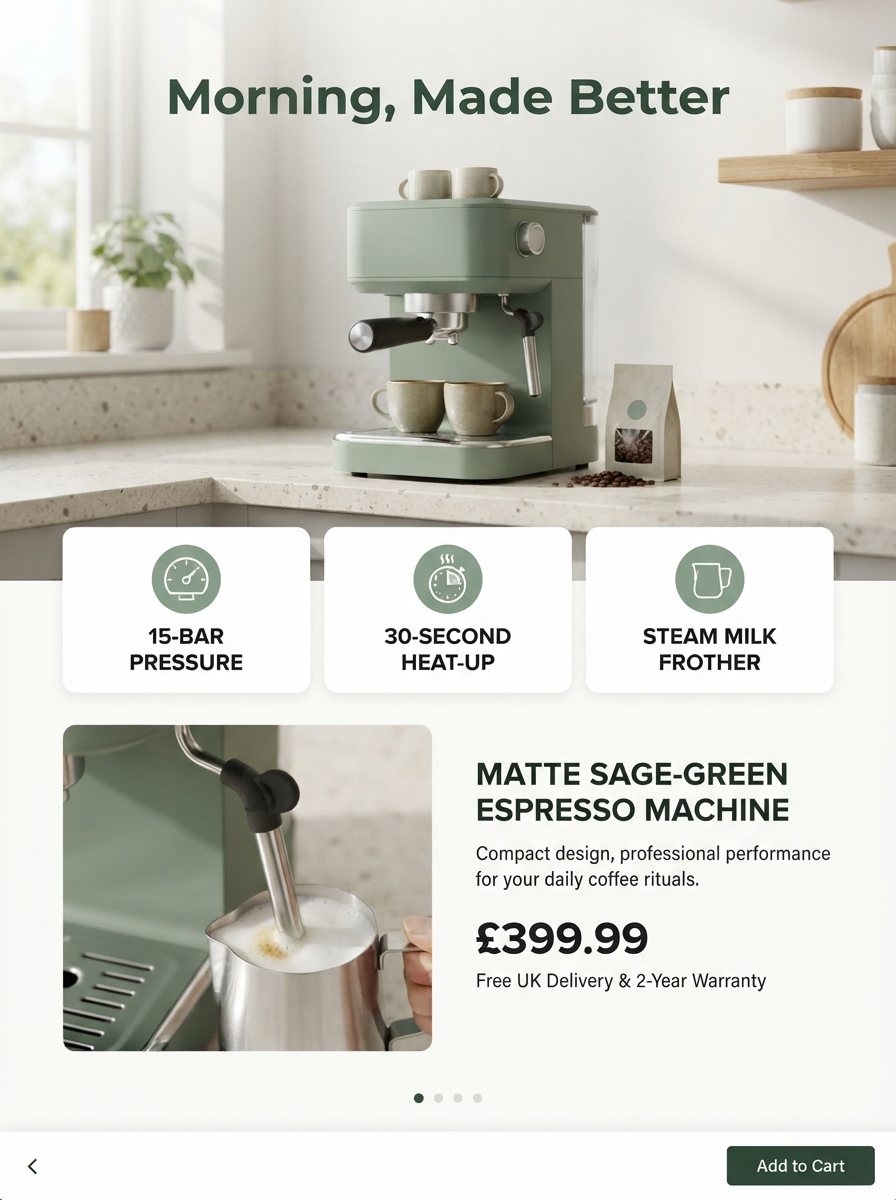
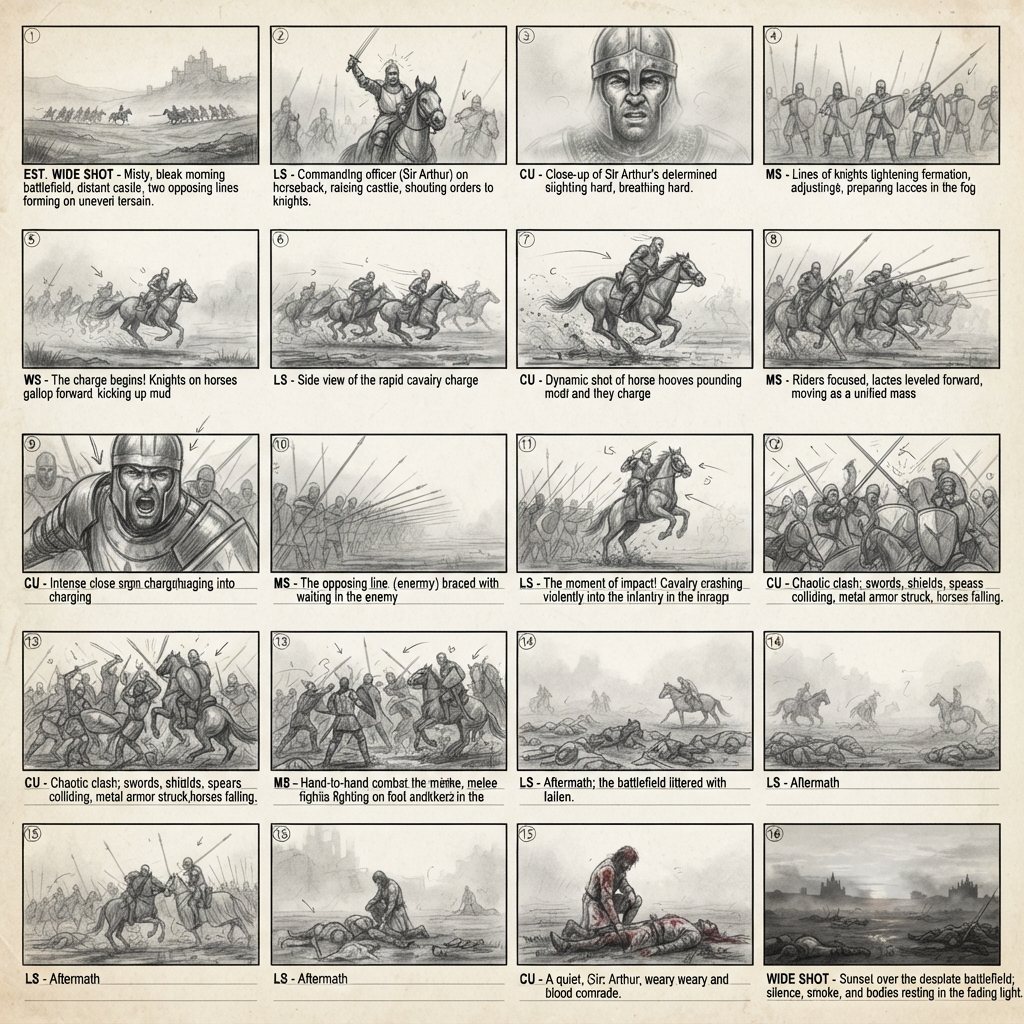

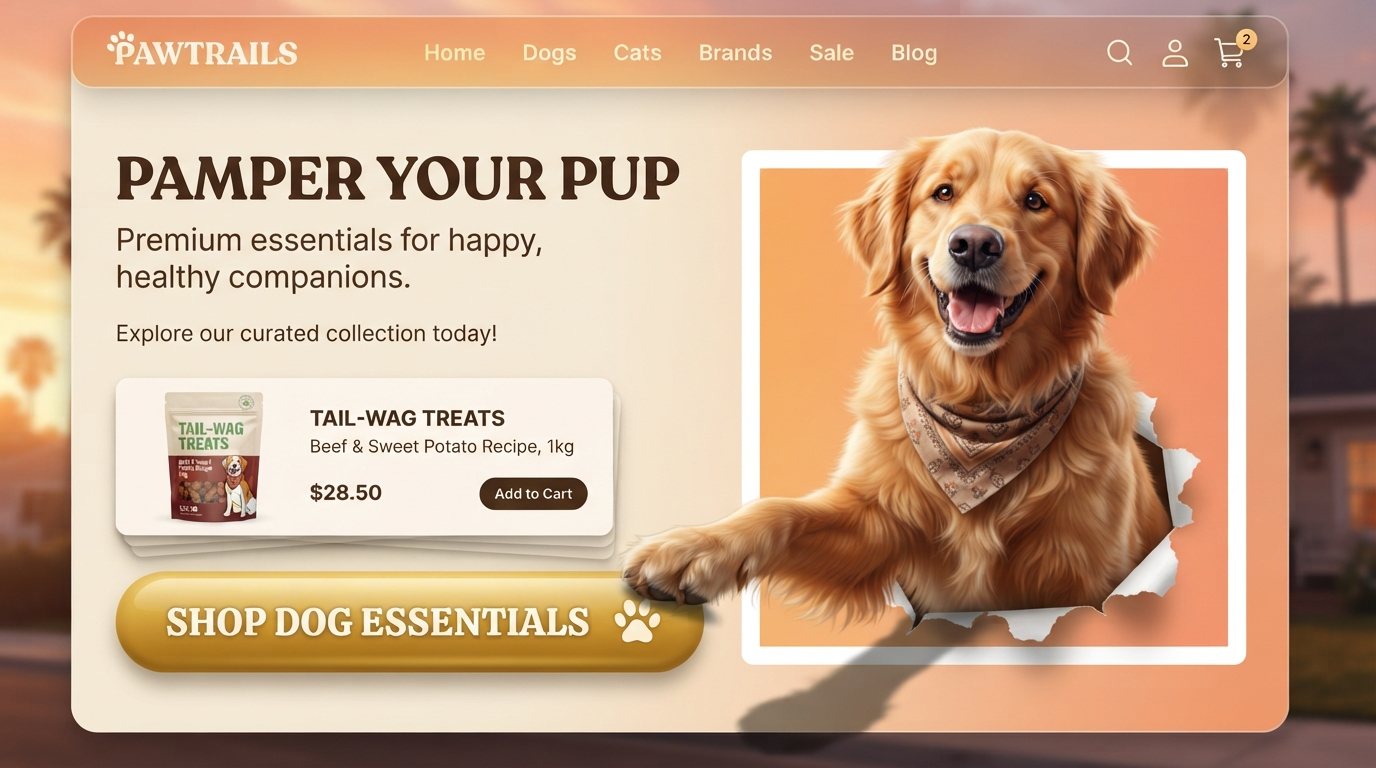
Google built the Lite model for speed and volume: quick drafts, many variations and fast edits, while keeping readable text and consistent characters. These are the jobs where that pays off.
Text in images
Short headlines that stay legible
Put the headline in quotes and ask for a poster, a menu board or a sale banner. Google says the Lite model keeps text in images legible. It is tuned for speed, so keep the wording short and check small print before you publish.
Use this prompt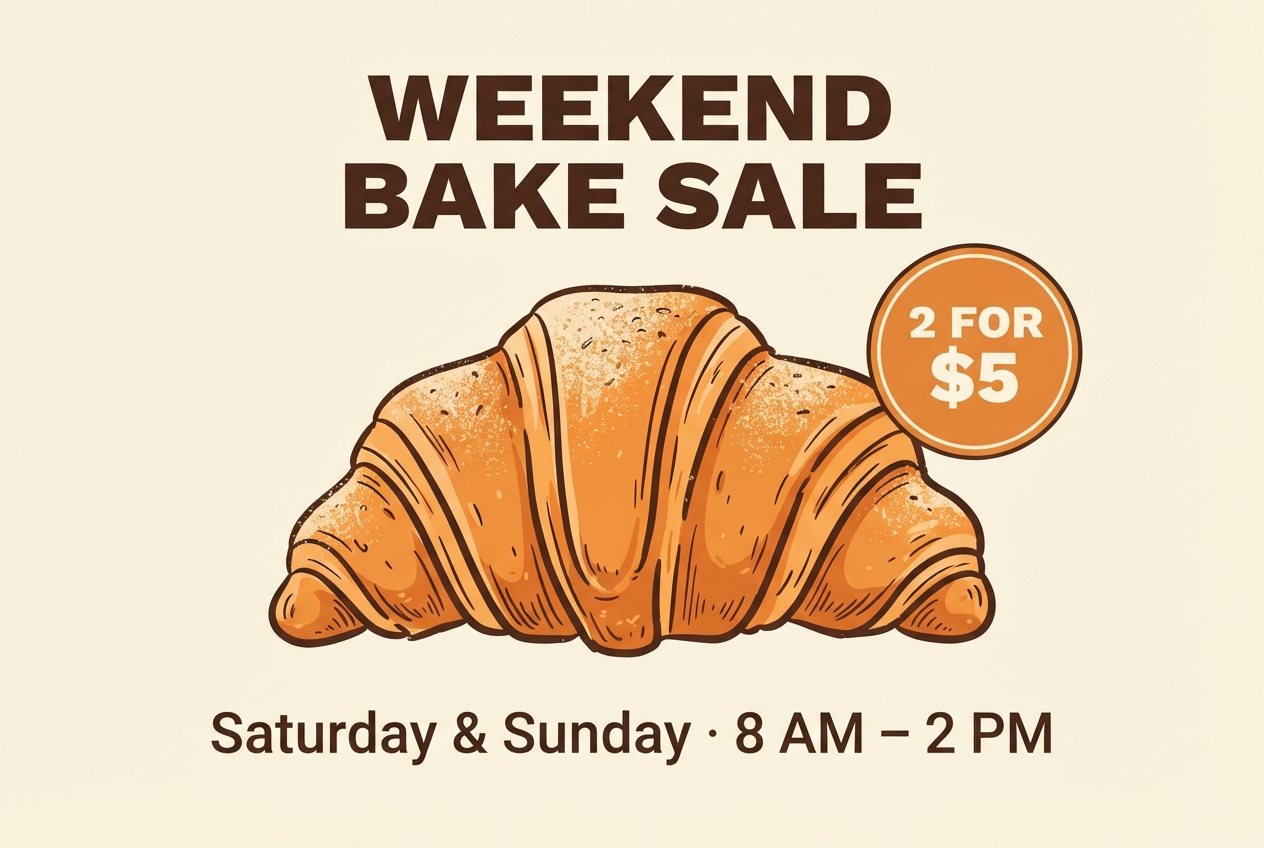
Multi-image editing
Products, people and styles in one prompt
Upload a product shot, a background and a style reference, then say how they fit together. Nano Banana Lite handles text to image, edits and multi-image composition in one model, and this site takes up to 14 photos per edit.
Use this prompt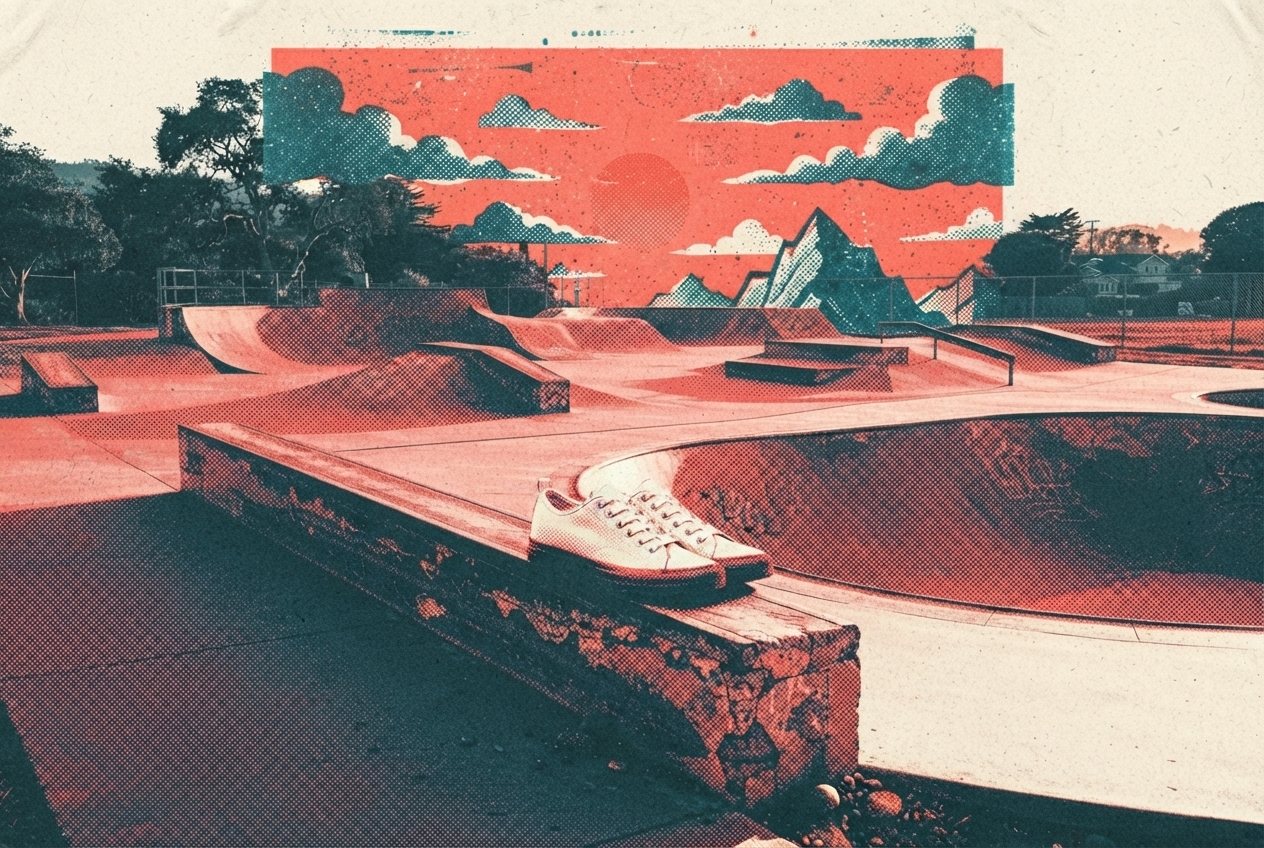
Photorealism
Try ten angles, keep the best one
Candid moments, film looks and studio product photos come out with natural light and believable texture. Each image costs little, so you can explore angles, lighting and props before you commit to one.
Use this prompt
Restyle
Same subject, new look
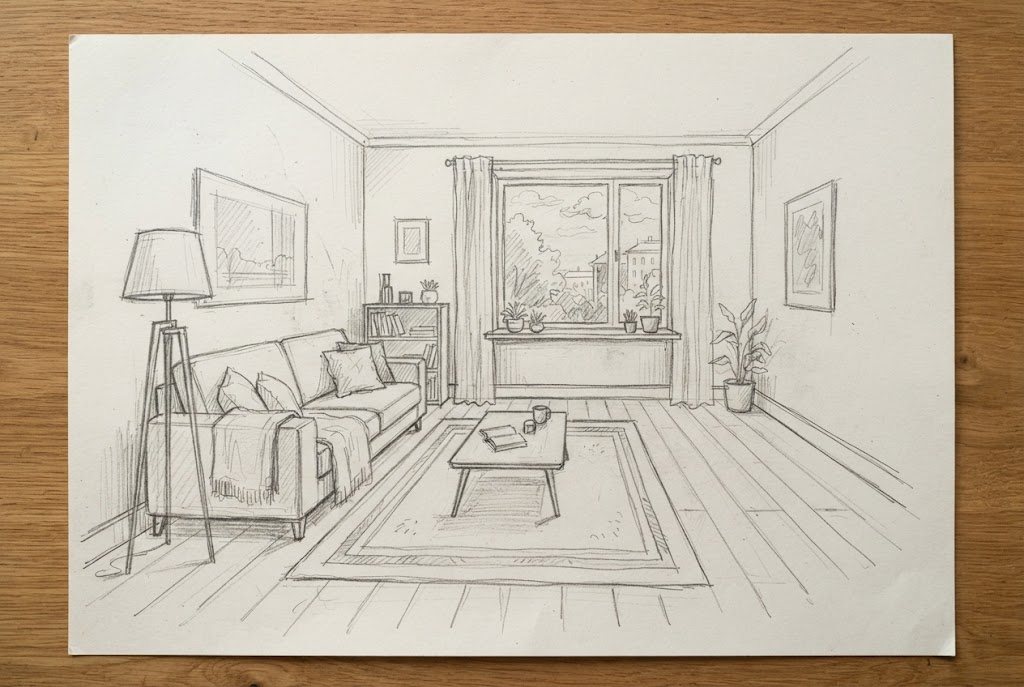
Upload a room sketch, a pet photo or a selfie and ask for a photoreal interior, an oil painting, a claymation character or a 16-bit game sprite. The subject and the layout stay; the style changes.
Use this prompt
Precise editing
Change one thing. Keep the rest.
Upload a photo and say exactly what should change: a new sofa, a cleared sky, a different wall color. The model changes what you ask for and keeps the rest of the picture. Drag the handle to compare.
Try an edit
 OriginalEdited
Give a hex code or name a fabric, and only that object changes. Perspective, shadows and reflections stay consistent.
Upload a menu, sign or poster and ask for another language. The layout, type style and colors stay as they were.
Turn day into night, warm up a room or add a sunset glow while every object stays in place.
Use cases
Teams that need many images use the Lite model for drafts, variants and quick edits, then keep the ones that work.
Product pages, listing images and seasonal variants without a photo studio.
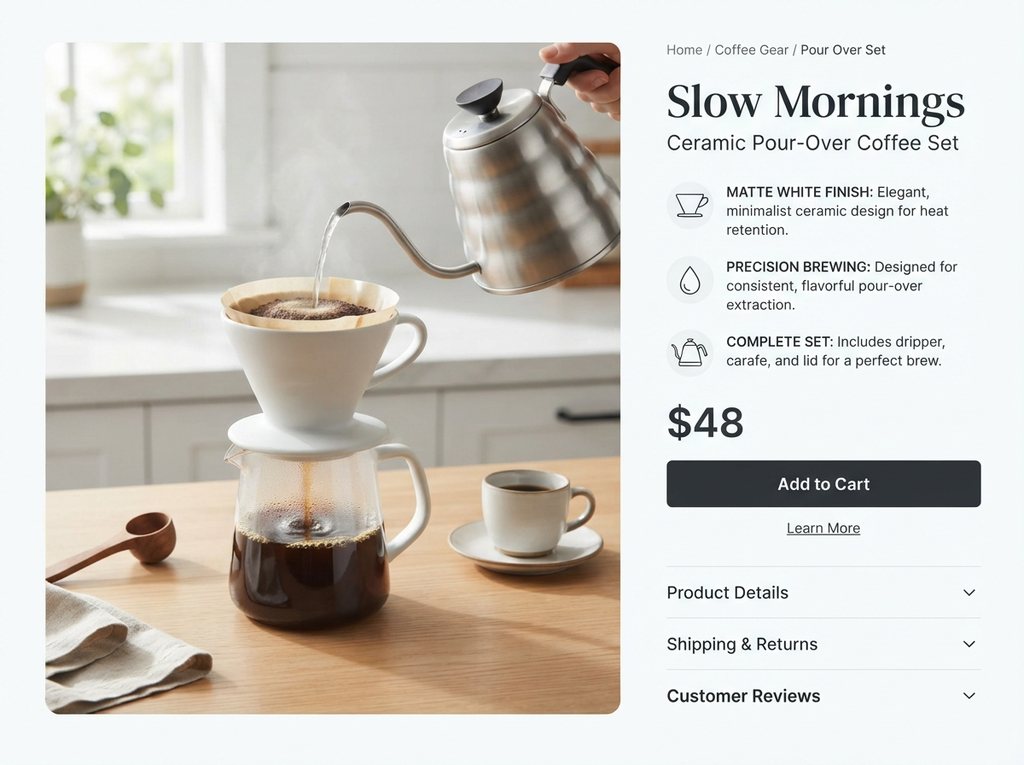
Describe the product, the headline and three selling points, and get a long-form page with callouts and a price block.

Upload a plain product photo and place it on a kitchen counter, a beach or a studio set while the product stays the same.
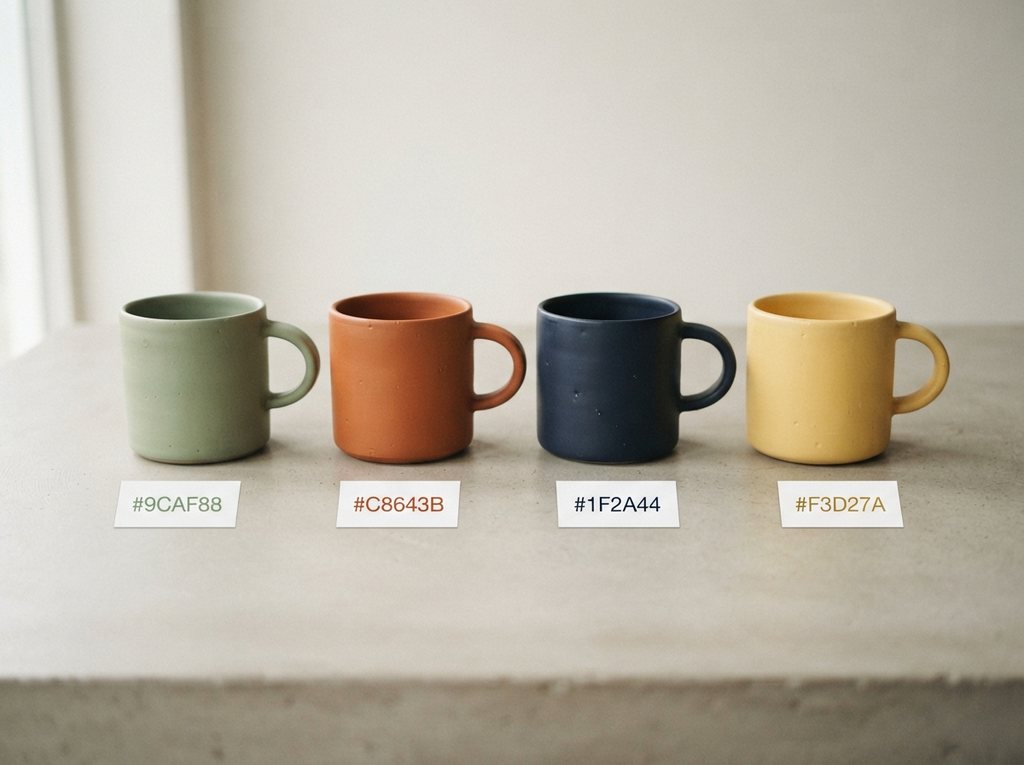
Name the item and the new color to preview colorways before you order samples.
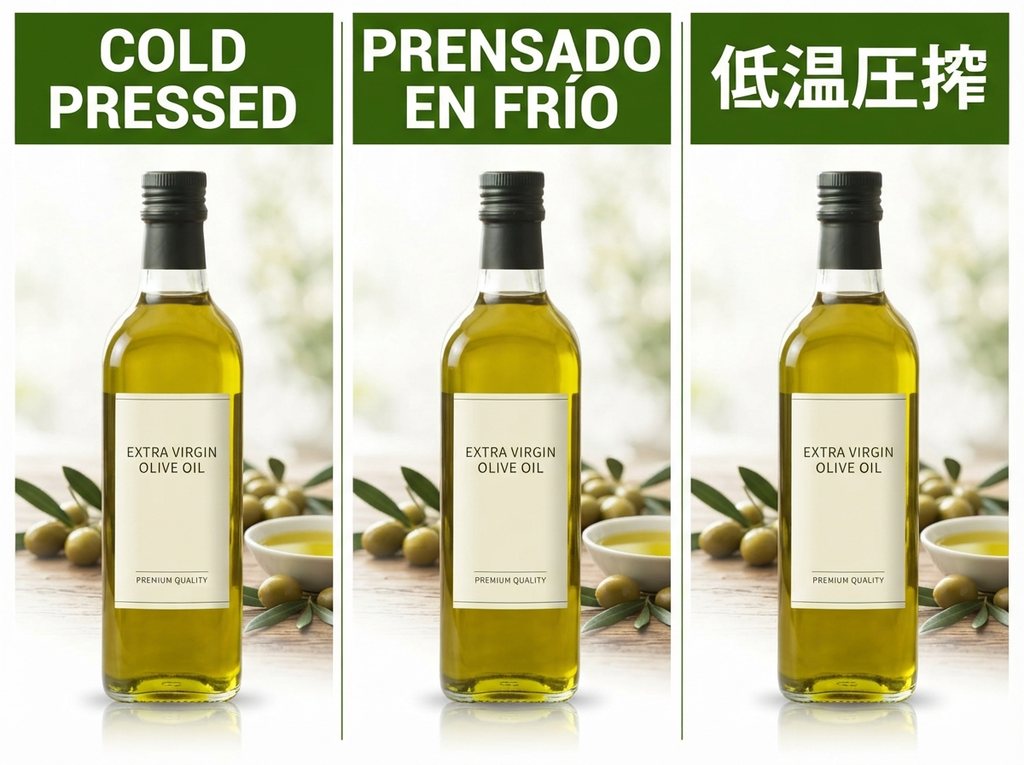
Translate the text on your images for each storefront while the layout and branding stay put.
Simple steps
Sign in, describe the image or upload photos to edit, pick a shape, then refine one change at a time. Everything runs in your browser.
Choose the plan that matches how often you generate with Nano Banana 2 Lite.
Quick answers about what the Lite model is, how it compares, what it costs and how this site relates to Google.
Nano Banana 2 Lite, also searched as Nano Banana Lite and officially named Gemini 3.1 Flash-Lite Image, is the fastest and lowest-cost model in Google's Nano Banana image family. Google released it on June 30, 2026 for quick, high-volume work such as drafts, variations and edits. It makes 1K images, keeps text in images legible and adds Google's invisible SynthID watermark.
Lite is built for speed and price; Nano Banana 2 is the generalist with higher quality and output up to 4K. Google lists Lite from $0.034 per 1K image at about 4 seconds per image. In October 2026 Google updated Nano Banana 2 to Nano Banana 2.1 and deprecated the older version. Use Lite for drafts and volume, and Nano Banana 2.1 or Nano Banana Pro for final, high-resolution work.
Google offers it free in the Gemini app's Flash-Lite mode, within Google's usage limits. On this site, new accounts get 10 free credits, enough for 1 image, with no credit card, and failed runs are refunded automatically. Credit packs and monthly plans add more images, private generations and no site watermark.
In Google's Gemini API it starts at $0.034 per 1K image. Here, one image costs 10 credits whether you generate from text or edit with reference photos. The pricing section shows what credits cost on each plan.
For fast work, yes. Google lists Elo scores of 1251 for image generation and 1308 for image editing, and says it keeps character consistency and real-world knowledge. It is tuned for speed and cost and outputs 1K images, so for print-size or detail-critical images a larger model is the better pick.
No. This site (nanolite.net) is an independent site that runs Google's Nano Banana Lite model through a third-party API. We are not affiliated with or endorsed by Google. Google's own access is in Google AI Studio, the Gemini API and the Gemini app.
There is no standalone Nano Banana Lite app. Google offers it in the Gemini app (Flash-Lite mode), Google AI Studio and the Gemini API, and is rolling it out to Google Photos, Flow and AI Mode in Search. The model weights are not public, so it cannot run locally. This site works in any phone or desktop browser with nothing to install.
Up to 14 input images per edit, and the generator here takes all 14. Use several when you need to combine a person, a product, a background and a style in one image.
The model makes 1K images. You choose one of 14 aspect ratios: 1:1, 3:2, 2:3, 4:3, 3:4, 4:5, 5:4, 16:9, 9:16, 21:9, 4:1, 1:4, 8:1 or 1:8, and the model sets the pixel size to match: for example 1024 × 1024 for 1:1, 1376 × 768 for 16:9 and 2928 × 352 for 8:1. Downloads are PNG files.
Yes. Images you generate here are yours to use in client work, ads, product listings and social posts. Free images carry a small watermark from this site; paid plans remove it.
Write a prompt or upload a photo to edit. It runs in your browser, and new accounts get free credits with no card required.
Aspect ratios
Credits per image
Free image on sign-up